
How to Activate your AccountUpdated 2 days ago
How to Activate your Account:
STEP ONE:
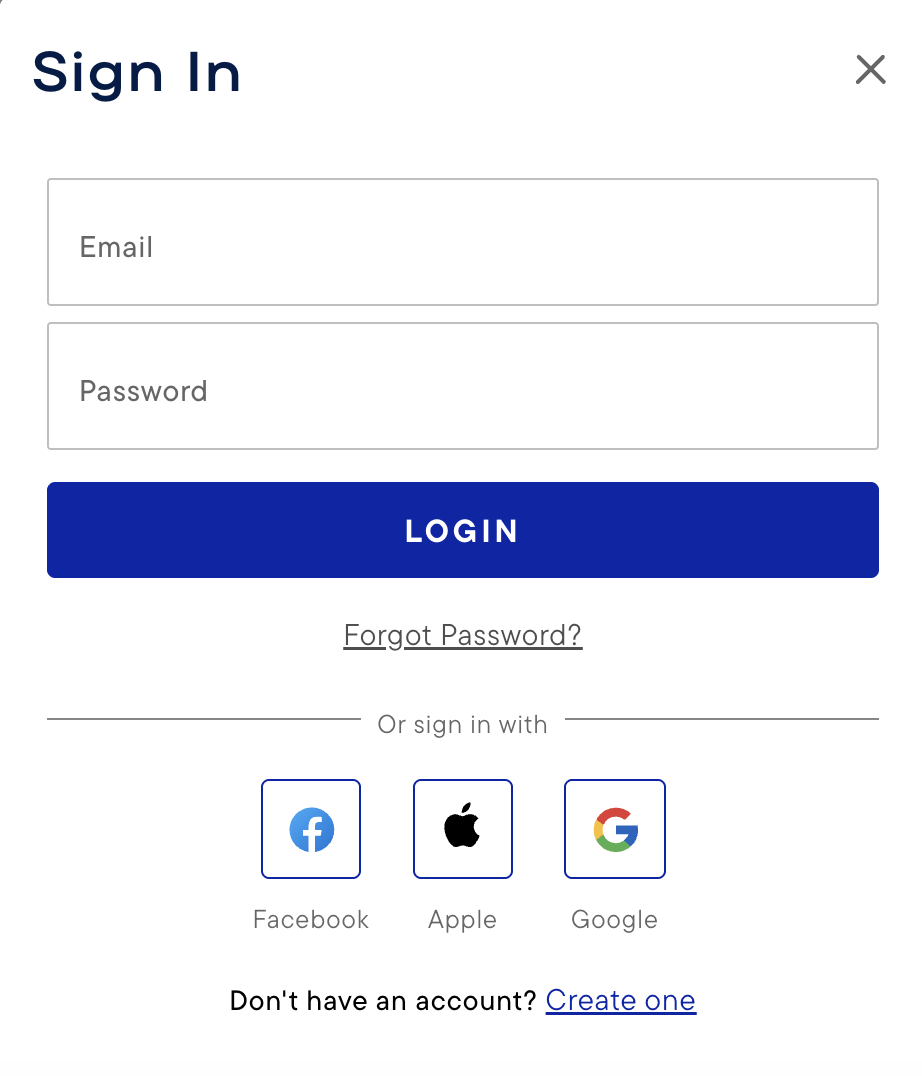
Click Forgot password?
STEP TWO:
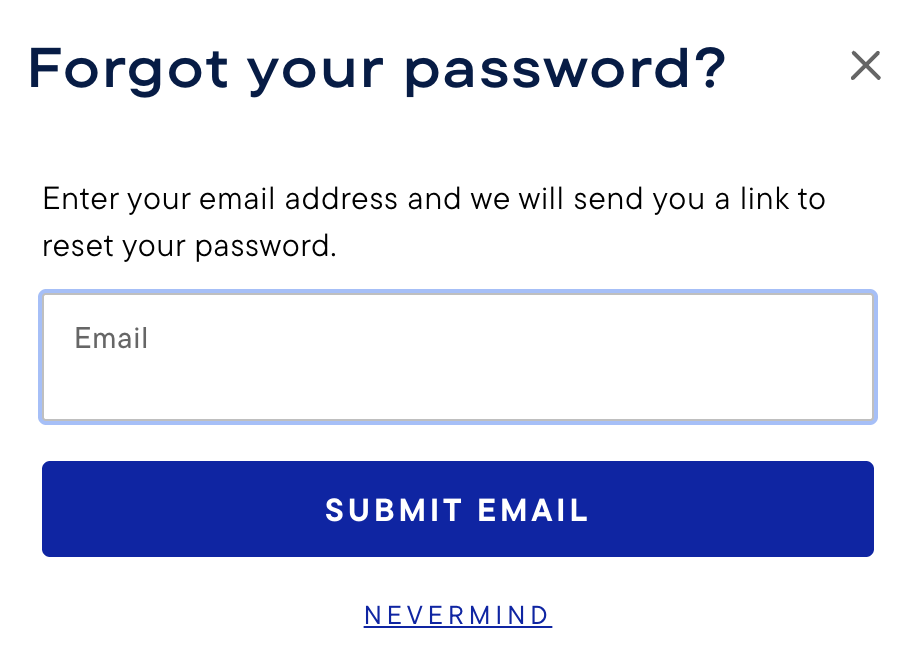
Enter your email address, and click SUBMIT EMAIL.
STEP THREE:
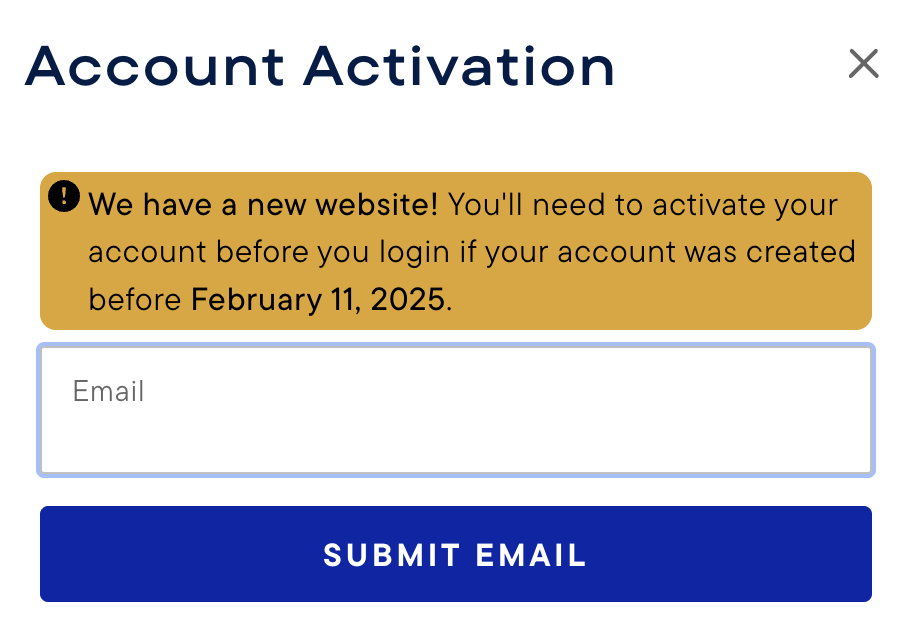
If your account is not yet activated, you'll be prompted to enter your email address once more. After you do so, click SUBMIT EMAIL.
STEP FOUR:
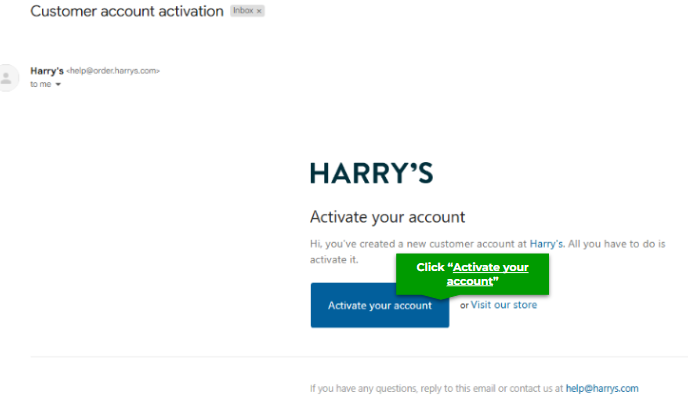
Check your email for a message with the subject line "Harry's customer account activation." After opening it, click Activate your account.
STEP FIVE:
The link will take you to our website, where you'll be prompted to update your password to reactivate your account. After you enter a new password, click SUBMIT.
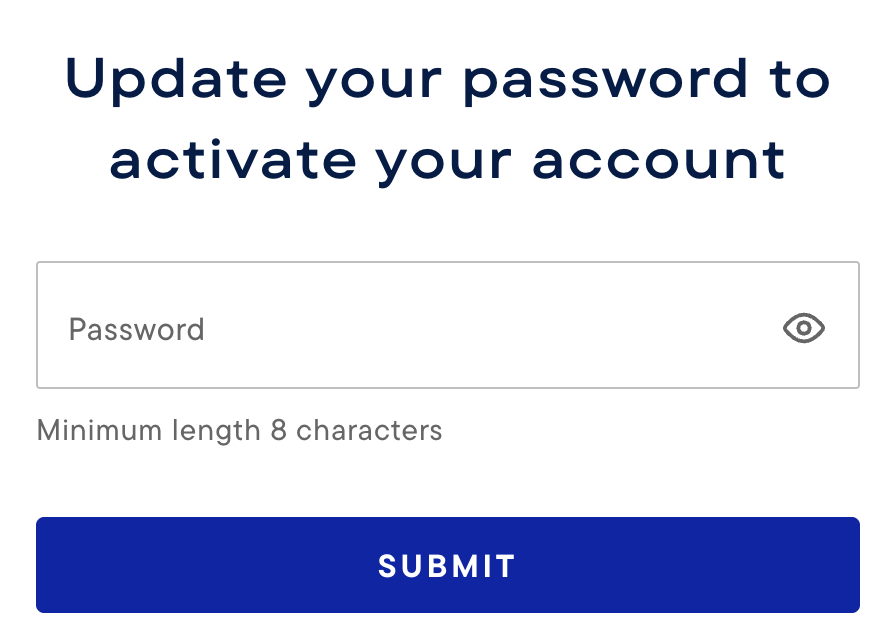
STEP SEVEN:
Our website will confirm that your password has been updated, and you'll be able to sign in.

DONE!
How to Reset Your Password:
- Enter your email address and click "Submit Email" to receive an email with a link to set a new password.
- The subject line is “Harry's account password reset”
- Some emails may flag auto-response emails such as password resets, so if you don't see that email in your regular inbox in the next 5 minutes, please check your spam/junk inbox, and for our Gmail customers, please check your promotions/social inbox.
- The link within is valid for 1 hour.
- The password must be at least 8 characters long.
DONE!
Thanks for your patience here. If you have any questions or continue to have trouble logging in, please email us at: [email protected]!